
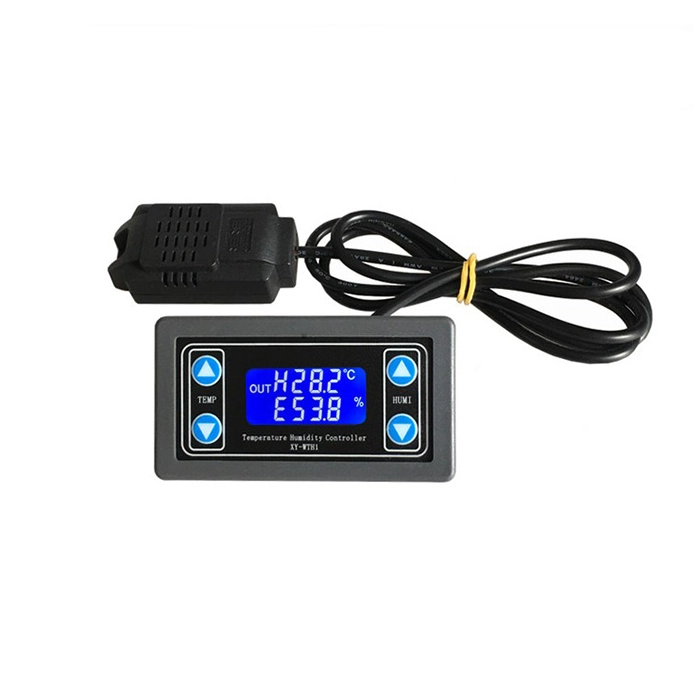
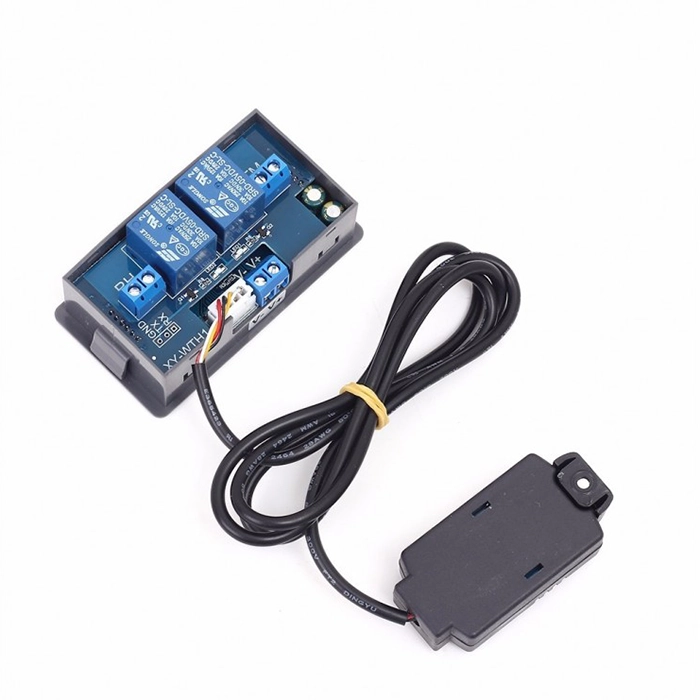
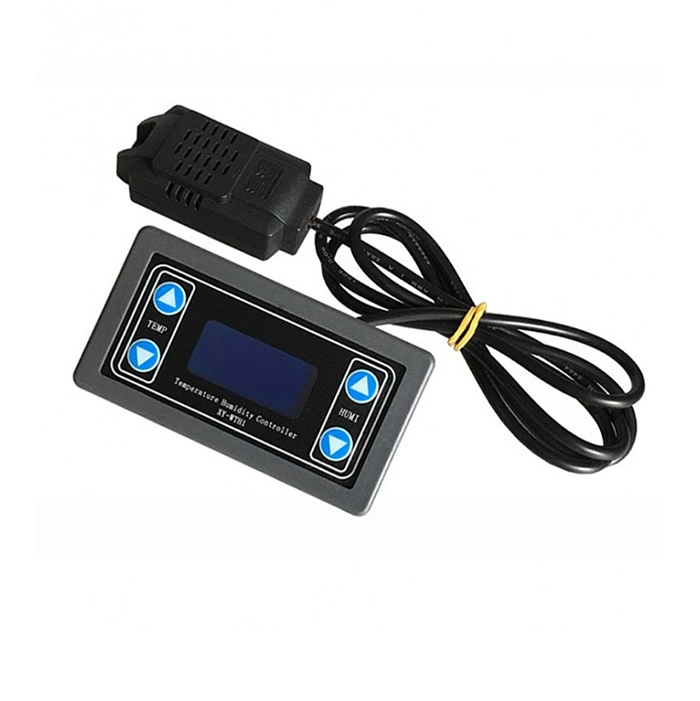
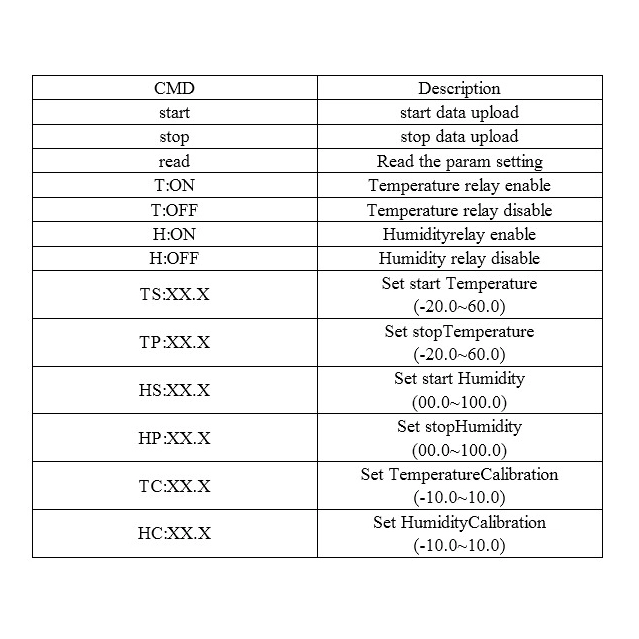
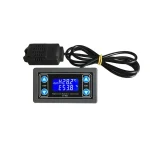
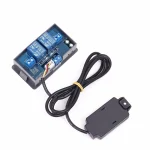
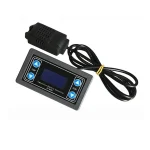
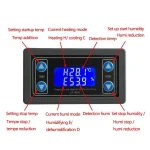
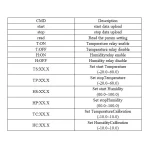
ماژول کنترل دیجیتال دما و رطوبت XY‑WTH1 (برخی تولید کنندگان با کدXH-WTH1 تولید میکنند که تفاوتی ندارد) با نمایشگر LED و دو خروجی مستقل، مجهز به سنسور صنعتی SHT20 با دقت بالا، امکان کنترل خودکار گرمایش، سرمایش، رطوبتزنی و رطوبتگیری را فراهم میکند. قابلیت تصحیح دما (OFE) و تصحیح رطوبت (RH) در بازه -10.0 تا +10.0، انتخاب حالت کاری (H/C برای دما، E/D برای رطوبت)، و امکان مشاهده وضعیت رله از طریق نماد “OUT” روی نمایشگر از ویژگیهای اصلی آن است. ماژول از رابط UART برای خواندن و تغییر پارامترها و گزارش لحظهای دادهها پشتیبانی کرده و برای پروژههای گلخانه، اتاقهای سرور، سالن پرورش، آزمایشگاهها و سیستمهای کنترل هوشمند گزینهای ایدهآل محسوب میشود.
مشخصات :
عملکرد به صورت ترموستات و کنترل رطوب
خروجی 2 رله با قابلیت تحمل جریان 10A در 220V
خروجی ها و همچنین تغذیه دارای کانکتور های پیچی جهت اتصال راحت تر هستند
سنسور SHT20 به همراه کابل 1 متر
ابعاد 79x42x35mm قابل نصب روی انواع پنل و داشبور
ولتاژ تغذیه 6V الی 30V DC
نمایشگر LCD و دکمه های کنترلی جهت تنظیم پارامتر های مختلف
دارای 2 مد کاری Heating و Cooling جهت اتصال به هیتر و کولر . این حالت برای رطوبت نیز صادق است
منوها و نحوه کار
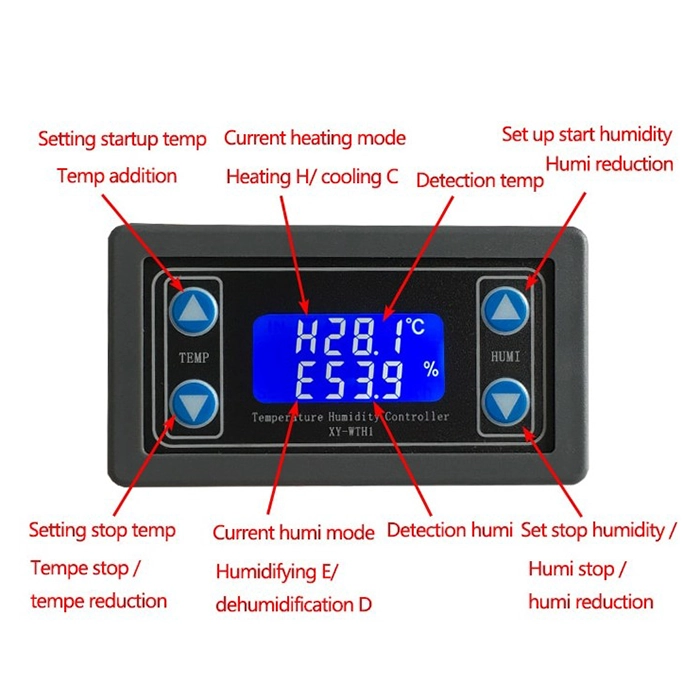
- تنظیم دمای شروع: نگهداشتن کلید TM+ بهمدت 3 ثانیه، تغییر مقدار با کلیدهای TM+/TM-، خروج خودکار پس از 6 ثانیه.
- تنظیم دمای توقف: نگهداشتن کلید TM- بهمدت 3 ثانیه، تغییر و ذخیره مشابه حالت قبل.
- تنظیم رطوبت شروع: نگهداشتن کلید RH+ بهمدت 3 ثانیه، تغییر مقدار با RH+/RH-.
- تنظیم رطوبت توقف: نگهداشتن کلید RH- بهمدت 3 ثانیه.
- تصحیح دما/رطوبت: دوبار کلیک بر TM+، انتخاب نوع (OFE یا RH) با TM-/RH+ ، اصلاح مقدار با RH+/RH-.
- فعال/غیرفعالکردن رله دما: فشار کوتاه کلید TM-؛ خاموش بودن رله با چشمکزدن نماد °C مشخص میشود.
- فعال/غیرفعالکردن رله رطوبت: فشار کلید RH-؛ خاموش بودن رله با چشمکزدن نماد % مشخص میشود.

Introduction
XY-WTH1 temperature and humidity control module digital display high precision dual output automatic constant temperature and humidity control board. The product uses industrial grade chips, high precision imported SHT20 temperature and humidity sensor.
Specification
Product functions are mainly classified into two categories : temperature function and humidity function
The temperature function is as follows:
1. Automatic recognition of working mode:
The system automatically recognizes the working mode according to the starting temperature / stop temperature
Start temperature > stop temperature, cooling mode ‘ C ‘
start temperature < stop temperature, heating mode ‘ H ‘
2. Cooling mode:
When the detected temperature ≥ the starting temperature, the relay is turned on, the red indicator light is on, and the cooling device starts to work
When the detected temperature ≤ stop temperature, the relay is turned off, the red indicator light is off, and the refrigeration device stops working
3. Heating mode:
When the detected temperature ≤ the starting temperature, the relay is turned on, the red indicator light is on, and the heating device starts to work
When the detected temperature ≥ stop temperature, the relay is turned off, the red indicator light is off, and the heating device stops working.
4. Temperature correction function OFE (-10.0 ~ 10.0 °C ) :
If the system works for a long time, there may be deviations. Corrected by this function, the actual temperature = measured temperature + calibration value
How to set the start / stop temperature:
1. In the running interface, press and hold the ‘ TM+ ‘ button for more than 3 seconds to enter the startup temperature setting interface. The test can modify the parameters through the TM+TM- key. After the parameters are modified, wait for 6s to automatically exit and save.
2. In the operation interface, press and hold the ‘ TM- ‘ button for more than 3 seconds to enter the stop temperature setting interface. The test can modify the parameters through the TM+TM- key. After the parameters are modified, wait for 6s to automatically exit and save.
Instruction
The humidity function is as follows:
1. Automatic recognition of working mode:
Automatically recognize the working mode according to the starting humidity / stop temperature;
Start humidity> stop humidity, dehumidification mode ‘ d ‘ ; start humidity <stop humidity, humidification mode ‘ E ‘
2. Dehumidification mode:
When detecting humidity ≥ start humidity, the relay is turned on, the green indicator light is on, and the dehumidification device starts to work
When detecting humidity ≤ stop humidity, the relay is turned off, the green indicator light is off, and the dehumidification device stops working
3. Humidification mode:
When detecting humidity ≤ start humidity, the relay is turned on, the green indicator light is on, and the humidifying device starts to work
When detecting humidity ≥ stop humidity, the relay is turned off, the green indicator light is off, and the humidification device stops working.
4. Humidity correction function RH (-10.0 ~ 10.0 °C ) :
If the system works for a long time, there may be deviations. Corrected by this function, the actual humidity = measured humidity + calibration value
How to set the start / stop humidity:
1. In the operation interface, press and hold the ‘ RH+ ‘ button for more than 3 seconds to enter the startup humidity setting interface. The test can modify the parameters through the RH+RH- key. After the parameters are modified, wait for 6s to automatically exit and save.
2. In the operation interface, press and hold the ‘ RH- ‘ button for more than 3 seconds to enter the stop humidity setting interface. The test can modify the parameters through the RH+RH- key. After the parameters are modified, wait for 6s to automatically exit and save.
Operation interface description:
The working mode shows that when the parameters such as starting temperature / humidity, stopping temperature / humidity are completed, the current mode ( “H/C” , “E/d” ) is displayed synchronously in front of the temperature / humidity ;
Any one of the relays is turned on, and the upper left corner of the interface displays “OUT” . If the temperature relay is turned on, the temperature working mode “H/C” is flashing to indicate the reminder; if the humidity relay is turned on, the humidity working mode “E” is displayed. /d” to remind you;
Other functions:
1. Parameter remote read / set:
The parameters such as start temperature / humidity, stop temperature / humidity, temperature / humidity correction, etc. can be set through the UART
2. Temperature / humidity real-time reporting:
If the temperature / humidity reporting function is turned on , the product will detect the temperature / humidity and the state of the relay at 1 s intervals, and transmit it to the terminal through the UART to facilitate data acquisition
3. Relay enable ( default on ) :
If the relay is turned off, the relay remains off
How to modify the temperature / humidity correction value
1. In the operation interface, double-click the ‘ TM+ ‘ button to enter the correction value setting interface; the downlink display correction value type, the upper display specific value; ( OFE : temperature correction value RH : humidity correction value)
2. At this time, press the ‘ TM- ‘ key to switch the parameter to be modified , and modify the specific value by RH+RH- key; support long press and short press;
3. After the parameters have been modified, double-click the ‘ TM+ ‘ button to exit the correction value setting interface and save the data;
How to turn on / off the relay enable switch:
In the running interface, short press the ‘ TM- ‘ button to turn the temperature relay enable or disable (on : turn OFF : off ) . After returning to the running interface, if the temperature relay is off, the temperature symbol ‘°C’ flashes to Reminder.
In the running interface, press the ‘ RH- ‘ button to turn the humidity relay enable or disable (on : OFF : off ) . After returning to the running interface, if the humidity relay is off, the humidity symbol ‘ % ‘ flashes to Reminder.
Serial port control (microcontroller TTL level communication)
Communication standard : 9600bps data bits : 8 stop bits : 1 check digit : none
Temperature and humidity data upload format description:
Temperature format: operating mode (H/C), temperature value, temperature relay status
Humidity format: working mode (E/D), humidity value, humidity relay status
H, 20.5 °C , CL: heating mode, current temperature 20.5degrees, temperature relay off state
D, 50.4%, OP: dehumidification mode, current humidity50.4% , humidity relay pull-in state
محصولات ویژه
کیت فلزیاب حرفهای FPI برد SMD نسخه نامحدود (فلزجو FELEZJOO FULL)
قیمت اصلی 102,532,500 ریال بود.97,125,000 ریالقیمت فعلی 97,125,000 ریال است.

سنسور تعیین سطح مایعات Water Level Sensor
قیمت اصلی 3,990,000 ریال بود.3,496,500 ریالقیمت فعلی 3,496,500 ریال است.
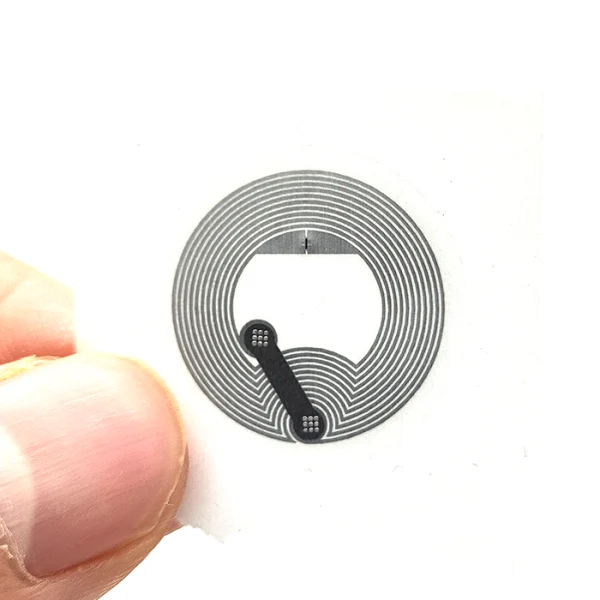
تگ NFC پشت برچسب دار (لیبل) گرد سکهای فرکانس 13.56 قطر 25mm
قیمت اصلی 215,250 ریال بود.183,750 ریالقیمت فعلی 183,750 ریال است.

سنسور دمای NTC ضد آب 10K اهم با پوشش استیل ضد زنگ
قیمت اصلی 937,125 ریال بود.848,925 ریالقیمت فعلی 848,925 ریال است.

ماژول گیرنده رادیویی سوپر هترودین RXB22 فرکانس 433Mhz برند JMR
قیمت اصلی 1,995,000 ریال بود.1,732,500 ریالقیمت فعلی 1,732,500 ریال است.

ماژول کاهنده روبردی 220V به 5V جریان 600mA مدل HLK-PM01 برند Hi-Link
قیمت اصلی 5,859,000 ریال بود.4,987,500 ریالقیمت فعلی 4,987,500 ریال است.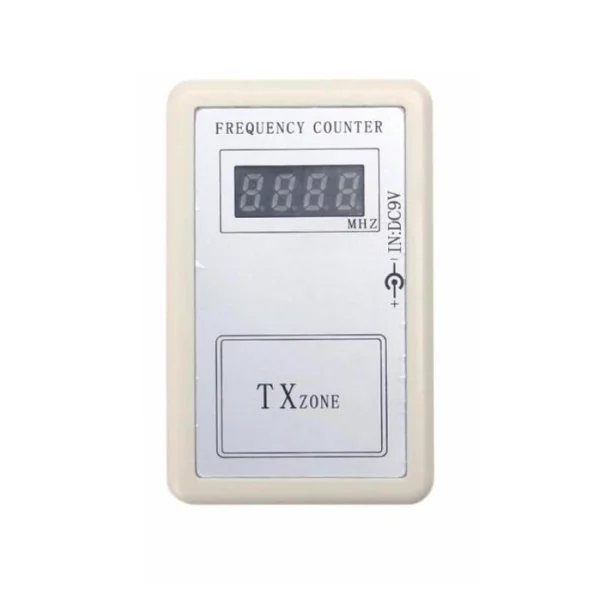

فرکانس متر 250MHz تا 450MHz مناسب ریموت کنترل ها
قیمت اصلی 30,450,000 ریال بود.19,425,000 ریالقیمت فعلی 19,425,000 ریال است.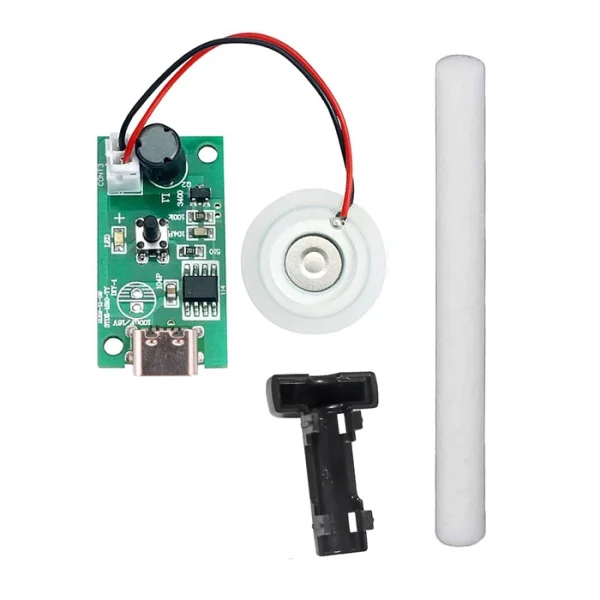
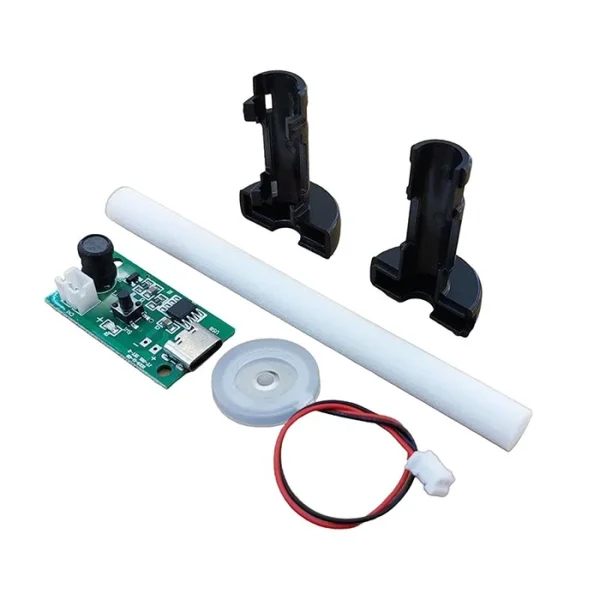
ماژول تولید بخار سرد التراسونیک 5 ولت تک پیزو USB Type C ( اتومیزر )
قیمت اصلی 2,894,063 ریال بود.2,546,775 ریالقیمت فعلی 2,546,775 ریال است.

فازمتر القایی (فاز یاب غیر تماسی) سینومتر مدل Sinometer AC-100
قیمت اصلی 13,230,000 ریال بود.9,975,000 ریالقیمت فعلی 9,975,000 ریال است.
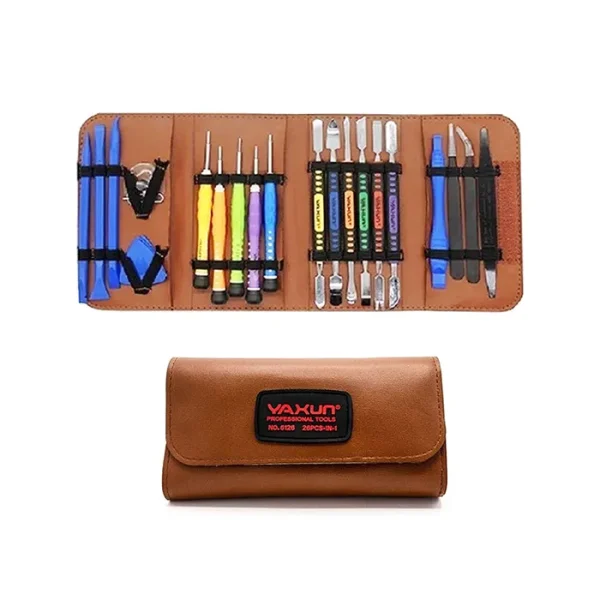
کیف ست پیچ گوشتی و اسپاتول یاکسون 24 ابزار YAXUN YX-6126
قیمت اصلی 36,750,000 ریال بود.30,975,000 ریالقیمت فعلی 30,975,000 ریال است.
نوار چسب نسوز – چسب کپتون Kapton عرض 0.5 سانتی متر
قیمت اصلی 2,835,000 ریال بود.2,467,500 ریالقیمت فعلی 2,467,500 ریال است.

ولت متر آمپر متر دیجیتالی AC پنلی (تابلویی) 50 تا 500 ولت و 0 تا 100 آمپر مربعی سفید
قیمت اصلی 7,056,000 ریال بود.6,339,375 ریالقیمت فعلی 6,339,375 ریال است.

تگ NFC پشت برچسب دار (لیبل) گرد سکهای فرکانس 13.56 نسخه بزرگ قطر 38mm
قیمت اصلی 351,750 ریال بود.309,750 ریالقیمت فعلی 309,750 ریال است.
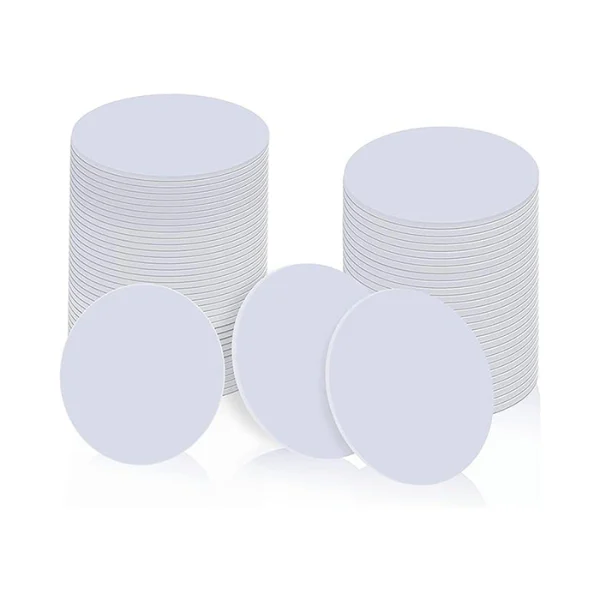
تگ گرد سکهای NFC NTAG215 RFID فرکانس 13.56 قطر 25mm سفید
قیمت اصلی 425,250 ریال بود.372,750 ریالقیمت فعلی 372,750 ریال است.

سنسور PIR مدل RDA-226 برند Winsen
قیمت اصلی 997,500 ریال بود.924,000 ریالقیمت فعلی 924,000 ریال است.

سیم لخت کن کلاغی 7 اینج TNI-U TU-1A
قیمت اصلی 16,800,000 ریال بود.12,075,000 ریالقیمت فعلی 12,075,000 ریال است.

ماژول GSM چهار باند SIM800C 24MB
قیمت اصلی 21,000,000 ریال بود.17,325,000 ریالقیمت فعلی 17,325,000 ریال است.

ماژول افزاینده – کاهنده DC به DC مدل HW-140 دارای نمایشگر LCD
قیمت اصلی 16,537,500 ریال بود.15,049,125 ریالقیمت فعلی 15,049,125 ریال است.

نمایشگر سطح و ولتاژ 12 تا 60 ولت (ولت متر مناسب باتری)
قیمت اصلی 2,756,250 ریال بود.2,590,875 ریالقیمت فعلی 2,590,875 ریال است.
ولت متر آمپر متر دیجیتالی AC پنلی (تابلویی) 50 تا 500 ولت و 0 تا 100 آمپر مربعی قرمز
قیمت اصلی 7,056,000 ریال بود.6,339,375 ریالقیمت فعلی 6,339,375 ریال است.

ماژول افزاینده 1000 کیلو ولت (جرقه زن) مدل XH901
قیمت اصلی 6,930,000 ریال بود.6,037,500 ریالقیمت فعلی 6,037,500 ریال است.

آداپتور رزبری پای 5 با توان 27 وات Raspberry Pi USB-C Power Supply رنگ سفید (اورجینال)
قیمت اصلی 72,765,000 ریال بود.53,025,000 ریالقیمت فعلی 53,025,000 ریال است.

ولت متر آمپر متر دیجیتالی AC پنلی 60 تا 500 ولت و 0 تا 99 آمپر
قیمت اصلی 9,922,500 ریال بود.7,612,500 ریالقیمت فعلی 7,612,500 ریال است.

پمپ آب براشلس 5 تا 12 ولت مدل JT-180
قیمت اصلی 18,165,000 ریال بود.16,275,000 ریالقیمت فعلی 16,275,000 ریال است.

تگ کارتی RFID مایفر 1K فرکانس 13.56 مگاهرتز Mifare Classic 1K RFID Card 13.56MHz
قیمت اصلی 472,500 ریال بود.386,400 ریالقیمت فعلی 386,400 ریال است.

درایور موتور 43 آمپری مدل BTS7960 IBT-2 43A
قیمت اصلی 12,600,000 ریال بود.12,075,000 ریالقیمت فعلی 12,075,000 ریال است.

سنسور PH سنج مدل E201-C دارای کانکتور BNC
قیمت اصلی 26,250,000 ریال بود.24,150,000 ریالقیمت فعلی 24,150,000 ریال است.

شیر برقی سلونوئید آب 220 ولت 1/2 اینچ
قیمت اصلی 14,700,000 ریال بود.12,075,000 ریالقیمت فعلی 12,075,000 ریال است.

کابل کواکسیال RF یک سر آزاد دارای کانکتور مادگی UFL با طول 10cm
قیمت اصلی 304,500 ریال بود.262,500 ریالقیمت فعلی 262,500 ریال است.
کف چین PLATO مدل 170
قیمت اصلی 4,410,000 ریال بود.3,622,500 ریالقیمت فعلی 3,622,500 ریال است.ماژول RXC6 فرکانس 433MHz همراه با آنتن
قیمت اصلی 3,528,000 ریال بود.3,045,000 ریالقیمت فعلی 3,045,000 ریال است.

ماژول شارژر باتری لیتیومی تکسل TP4056 با مدار محافظ و کانکتور micro USB
قیمت اصلی 472,500 ریال بود.378,000 ریالقیمت فعلی 378,000 ریال است.

ماژول کاهنده DC به DC جریان 3 آمپر LM2596
قیمت اصلی 1,984,500 ریال بود.1,642,725 ریالقیمت فعلی 1,642,725 ریال است.

ماژول مبدل کاهنده XH-M401 DC to DC 8A (XL4016E1)
قیمت اصلی 7,386,750 ریال بود.5,644,800 ریالقیمت فعلی 5,644,800 ریال است.

ماژول مخابراتی فرستنده-گیرنده LoRa RA02 تراشه SX1278
قیمت اصلی 14,175,000 ریال بود.11,760,000 ریالقیمت فعلی 11,760,000 ریال است.

ماژول ولت متر پنلی دیجیتال 5 تا 30 ولت DC قرمز
قیمت اصلی 2,425,500 ریال بود.2,149,875 ریالقیمت فعلی 2,149,875 ریال است.محصولات مرتبط



تگ کارتی RFID مایفر 1K فرکانس 13.56 مگاهرتز Mifare Classic 1K RFID Card 13.56MHz
قیمت اصلی 472,500 ریال بود.386,400 ریالقیمت فعلی 386,400 ریال است.


ماژول RXC6 فرکانس 433MHz همراه با آنتن
قیمت اصلی 3,528,000 ریال بود.3,045,000 ریالقیمت فعلی 3,045,000 ریال است.


ماژول شارژر باتری لیتیومی تکسل TP4056 با مدار محافظ و کانکتور micro USB
قیمت اصلی 472,500 ریال بود.378,000 ریالقیمت فعلی 378,000 ریال است.


ماژول کاهنده DC به DC جریان 3 آمپر LM2596
قیمت اصلی 1,984,500 ریال بود.1,642,725 ریالقیمت فعلی 1,642,725 ریال است.


نقد و بررسیها
هنوز بررسیای ثبت نشده است.