
این همان چیزی است که می تواند در دانش شما انقلاب بزرگی ایجاد کند . آشنایی با ساختار سیستم عامل ها ، ماشین های مجازی ، مدیریت گرافیک سیستم و از همه مهمتر دنیای لینوکس! همه این ها را می توان با خرید رزبری زیرو شروع کرد .
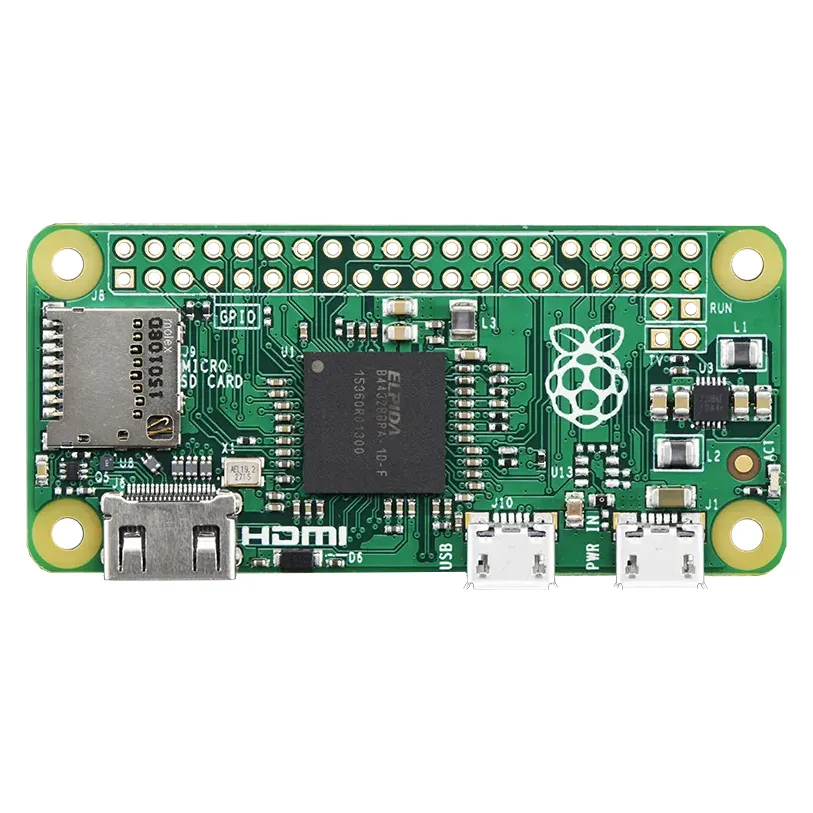
برد رزبری پای Zero یک کامپیوتر تگ بردی (Single Board) از سری برد های Raspberry Pi متعلق به بنیاد رزبری بریتانیا است . این برد یک کامپیوتر تک بردی و کوچک است که می توان آن را به یک نمایشگر با ورودی HDMI یا AVI متصل کرد و همانند یک کامپیوتر معمولی آن را به کار گرفت . برد های رزبری پای در ابتدا با هدف آشنایی دانش آموزان و دانشجویان به علوم کامپیوتر و سیستم عامل ها ساخته شد اما این تنها یک جنبه آن است ، از این برد ها می توان در جاهایی که امکان به کارگیری کامپیوتر های بزرگتر و گرانتر وجود ندارد استفاده کرد .
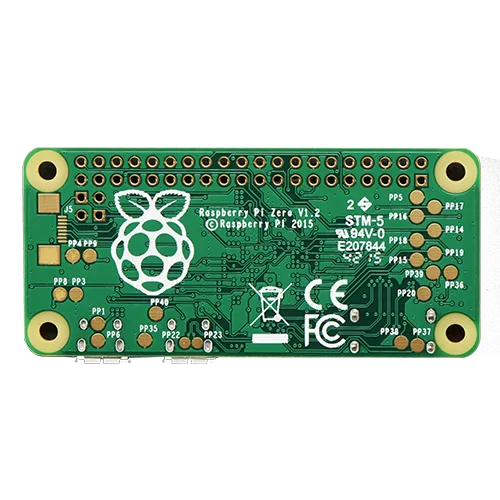
برد رزبری پای زیرو ، بیسیک ترین برد از سری برد ها رزبری پای است که برای شروع کار گزینه بسیار مناسبی است . این برد دارای پورت هایی جهت تعامل با سایر ماژول ها و سخت افزار های دیگر است . همچنین داری یک پورت میکرو USB جهت اتصال به موس و کیبورد و غیره می باشد .
شروع کار با برد های رزبری پای زیرو نقطه عطف بزرگی برای مهندسان الکترونیک و کامپیوتر خواهد بود. برد های رزبری پای صرفا برای ساخت DIY و مصارف آموزشی نیستن ، بلکه کاربرد های بسیار گسترده ای دارند ، از جمله کاربرد های رزبری پای ماینینگ ارز دیجیتال ، اتوماسیون خطوط تولید ، خانه های هوشمند ، مسائل امنیت و نفوذ شبکه و… است .

مشخصات :
1GHz single-core CPU
512MB RAM
Mini HDMI® port
Micro USB OTG port
Micro USB power
HAT-compatible 40-pin header
Composite video and reset headers
CSI camera connector (v1.3 only)
If you didn’t think that the Raspberry Pi Zero could possibly get any better, then boy do we have a pleasant surprise for you! The new Raspberry Pi Zero W offers all the benefits of the Pi Zero v1.3, but with one big difference – built-in WiFi!
More specifically, this giant upgrade is the addition of a BCM43143 WiFi chip BUILT-IN to your Raspberry Pi Zero – just like the Pi 3! No more pesky WiFi adapters – this Pi is WiFi ready. There’s also Bluetooth Low Energy (BLE) on board making the Pi an excellent IoT solution (BLE support is still in the works, software-wise).
We also have a basic pack, budget pack and starter pack with all the essentials to get your Zero W up and running.
At first glance, the Pi Zero W looks just like the Raspberry Pi Zero v1.3 we know and love. But when we started to think of the added convenience of not having to worry about hooking up a WiFi dongle or Ethernet cable – and what a well-chosen set of accessories could add – we realized the appeal. And then we saw the price…could it be true? Yes!
This is the slimmest, most pared down Raspberry Pi to date. It’s kind of like the little cousin to the Pi 3 – with just a micro SD card slot, a mini HDMI port, two micro USB ports (one for power, one for USB), and 512MB of RAM. It has a single-core 1 GHz processor chip, similar to the Pi A+ and B+.
The best part about all this is that the Pi Zero W keeps the same shape, connectors, and mounting holes as the Pi Zero v1.3. 99% of cases and accessories will still be fully compatible with both the Pi Zero W and v1.3 – though if you have a case with a metal top there might be some WiFi chip difficulties.
Please note – even though there’s built-in WiFi, the Pi Zero W is quite minimal and requires a few accessories to turn it into a computer! At a minimum we recommend:
A good quality 5V power supply – Either a 5V 2A with cable or combine a 5V 1A power supply and a Micro B USB cable – this will allow you to power the Zero from a wall adaper. It is not suggested to power the Zero from a computer USB port as the voltage often sags and can cause SD card corruption!
4GB+ SD Card with Operating System – You can grab a ready-to-go Raspbian card that has the correct firmware for the Zero here. Or you can pick up an 8G card with NOOBS 2.0. Or use a blank 4G SD card and burn in Raspbian Wheezy and update the firmware. Make sure you have the latest version!
Mini HDMI to HDMI Adapter – Will let you convert the little port on the Zero to a standard sized HDMI jack. You can get 1080P HDMI video + audio out of this little computer!
USB OTG Cable – Lets you plug in a normal USB device such as WiFi dongle, USB hub, keyboard, mouse, etc into the Zero.
USB Console cable – if you’re not going to stick an HDMI monitor on there, then this is essential, you connect the wires to the GPIO pins and log in over a serial console. Its the easiest & fastest way to get on your Pi
2×20 Male header strip – Solder this in to plug in Pi HATs, GPIO cables, etc as you would into a normal Pi. (We also have a 2×20 Female and 2×20 Female right-angle style for more exotic connecting)
To keep the price and size as small as possible, there is a spot on the Zero for a 2×20 pin header. This header is not included or soldered on. Creative individuals can easily solder in a set of 2×20 male header strip so you can plug in any sort of Pi HAT or other plug-in topper. Or, go with a 2×20 female header and plug the Pi Zero directly into an Adafruit Cobbler or T-Cobbler.
We also strongly recommend some other parts and pieces to make your Pi Zero computing experience easier:
Adafruit Pi Zero Enclosure – Adafruit’s classic, sturdy plastic enclosure. Keeps your Pi Zero safe and sleek.
Pi Zero Protector – Keep your Pi Zero safe while handling with this simple sandwich-style acrylic case.
USB Powered Hub – So you can plug in any kind of USB devices without overloading the Zero’s power supply. (You can also, ironically, power the Zero from the hub itself by plugging in a micro USB cable into the hub)
Mini Wireless Keyboard w/Trackpad – Requires only one USB port, which makes it a great match for the Pi Zero
Wireless Keyboard + Mouse set – Also requires only one USB port, but for everyday use.
Pi Cobbler or T-Cobbler – When paired with the male or female 2×20 pin header, you can use your Zero with a breadboard to connect sensors, LEDs, motors and more!
Ethernet Hub and USB Hub w/ Micro USB OTG Connector – One can never have enough socks, or USB ports. Add some more USB and Ethernet capability to your Raspberry Pi Zero if you’re an Ethernet enthusiast!
Please note: Some boards are made in the UK, some in China. WE DO NOT KNOW IN ADVANCE WHICH ONES YOU MAY RECEIVE!
محصولات ویژه
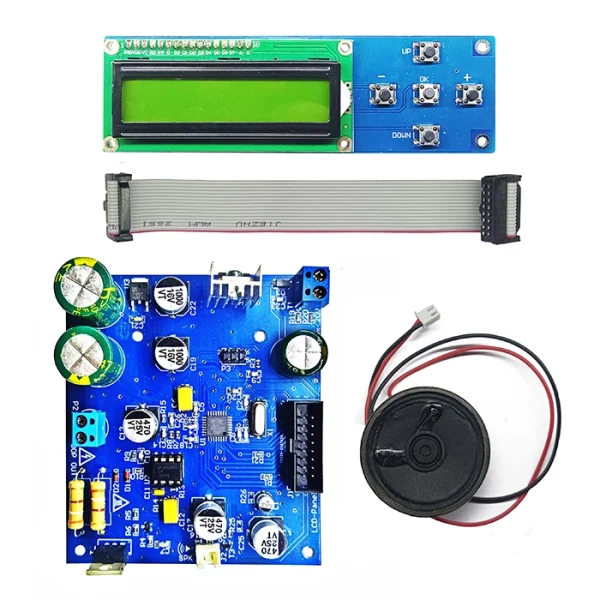
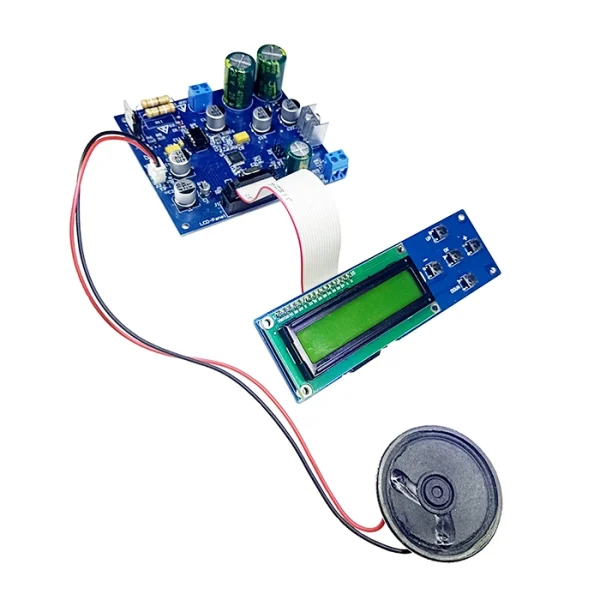
کیت فلزیاب حرفهای FPI برد SMD نسخه نامحدود (فلزجو FELEZJOO FULL)
قیمت اصلی: 59,000,000 ریال بود.52,400,000 ریالقیمت فعلی: 52,400,000 ریال.
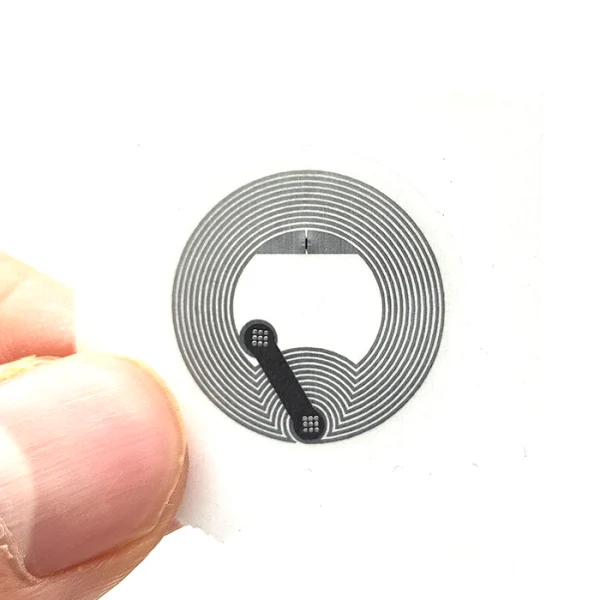
تگ NFC پشت برچسب دار (لیبل) گرد سکهای فرکانس 13.56 قطر 25mm
قیمت اصلی: 174,000 ریال بود.159,000 ریالقیمت فعلی: 159,000 ریال.
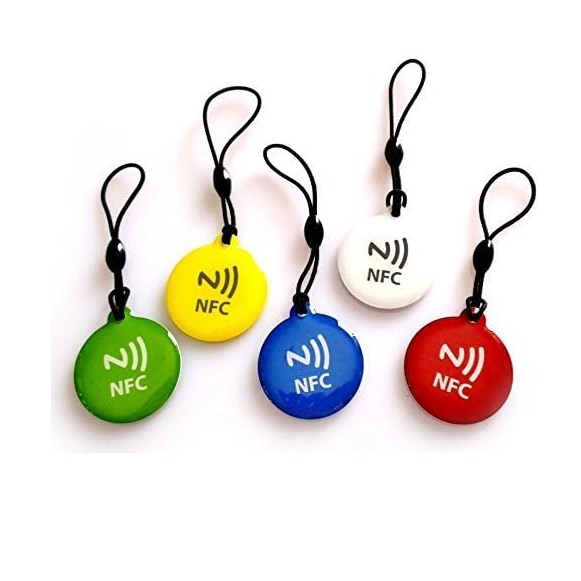
تگ گرد جاسوئیچی شیشهای NFC NTAG215 RFID رنگ آبی
قیمت اصلی: 850,000 ریال بود.750,000 ریالقیمت فعلی: 750,000 ریال.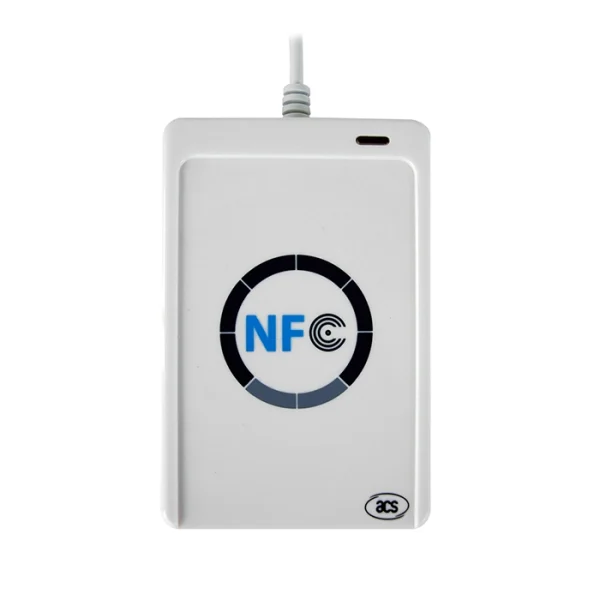
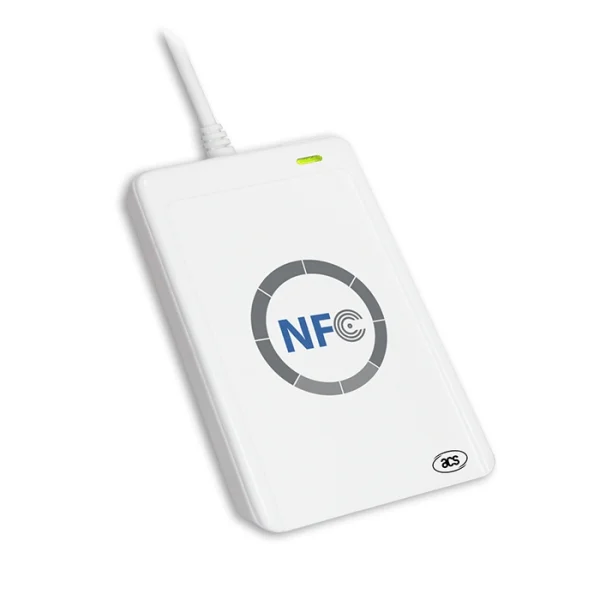
دستگاه کارتخوان RFID و NFC فرکانس 13.56 با قابلیت خواندن و نوشتن مدل ACR122U
قیمت اصلی: 55,200,000 ریال بود.49,000,000 ریالقیمت فعلی: 49,000,000 ریال.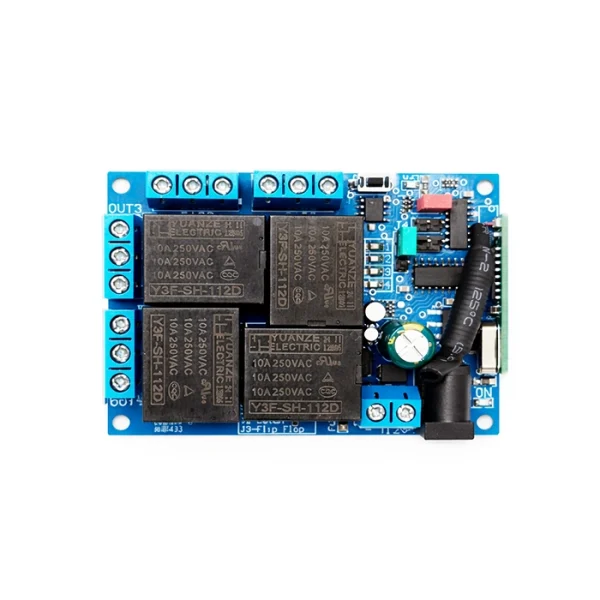

ماژول رله گیرنده ریموت 4 کانال 12 ولت فرکانس 433MHz کد لرنینگ
قیمت اصلی: 9,100,000 ریال بود.8,600,000 ریالقیمت فعلی: 8,600,000 ریال.

ماژول کاهنده روبردی 220V به 5V جریان 600mA مدل HLK-PM01 برند Hi-Link
قیمت اصلی: 2,990,000 ریال بود.2,950,000 ریالقیمت فعلی: 2,950,000 ریال.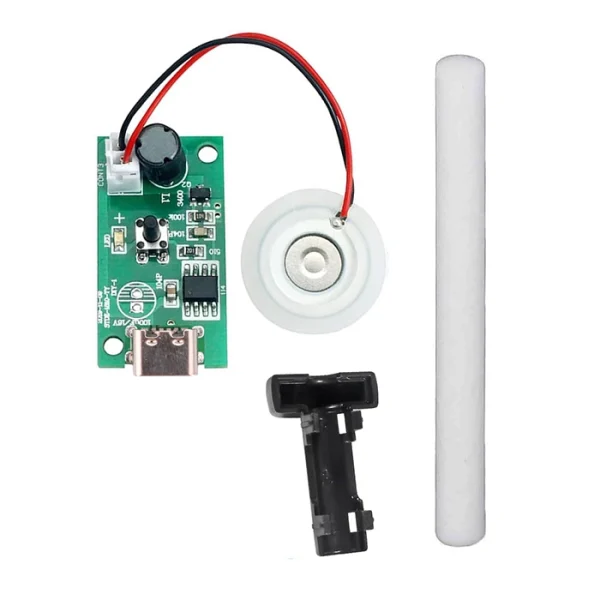
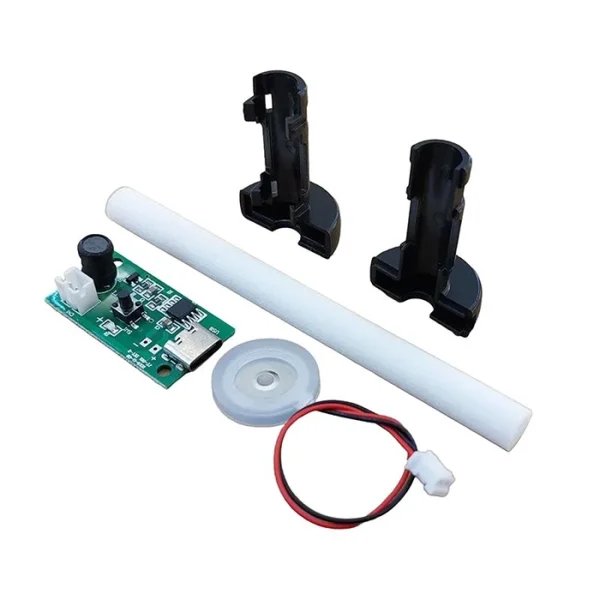
ماژول تولید بخار سرد التراسونیک 5 ولت تک پیزو USB Type C ( اتومیزر )
قیمت اصلی: 1,098,900 ریال بود.1,086,690 ریالقیمت فعلی: 1,086,690 ریال.
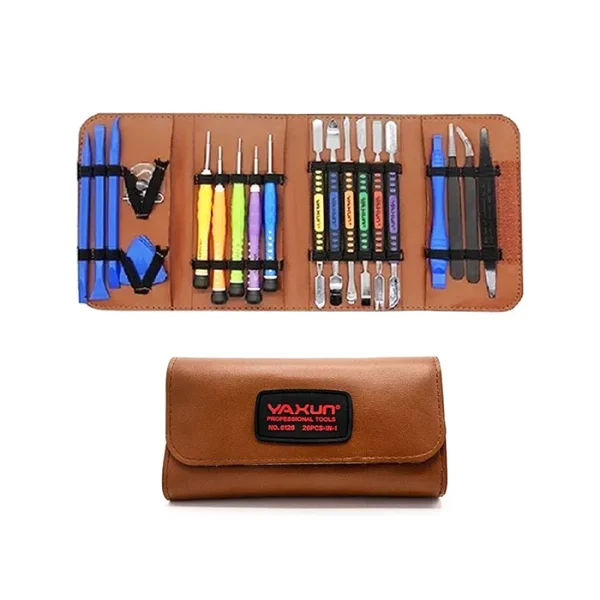
کیف ست پیچ گوشتی و اسپاتول یاکسون 24 ابزار YAXUN YX-6126
قیمت اصلی: 16,500,000 ریال بود.14,900,000 ریالقیمت فعلی: 14,900,000 ریال.

ولت متر آمپر متر دیجیتالی AC پنلی (تابلویی) 50 تا 500 ولت و 0 تا 100 آمپر مربعی زرد
قیمت اصلی: 2,900,000 ریال بود.2,680,000 ریالقیمت فعلی: 2,680,000 ریال.

سنسور تعیین سطح مایعات Water Level Sensor
قیمت اصلی: 1,850,000 ریال بود.1,690,000 ریالقیمت فعلی: 1,690,000 ریال.

ولت متر آمپر متر دیجیتالی 0 تا 100 ولت 10 آمپر DC قرمز – آبی
قیمت اصلی: 1,831,500 ریال بود.1,489,620 ریالقیمت فعلی: 1,489,620 ریال.
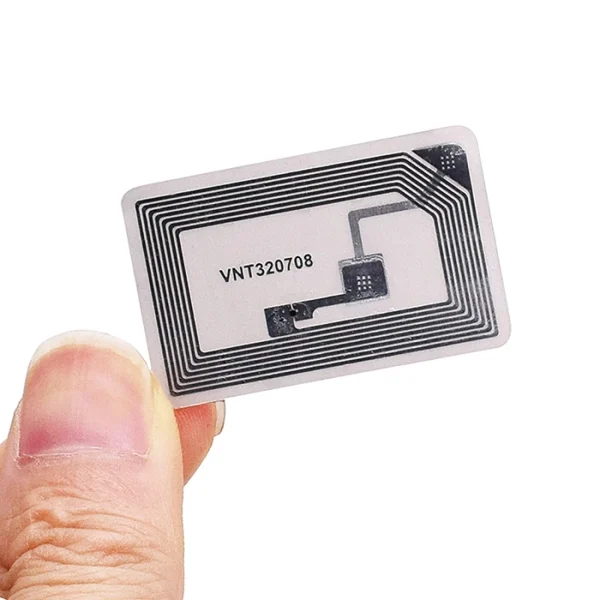
تگ NFC پشت برچسب دار (لیبل) مستطیلی فرکانس 13.56 ابعاد 25x40mm
قیمت اصلی: 185,000 ریال بود.172,000 ریالقیمت فعلی: 172,000 ریال.

تگ NFC پشت برچسب دار (لیبل) مستطیلی فرکانس 13.56 نسخه بزرگ 18x55mm
قیمت اصلی: 666,000 ریال بود.550,000 ریالقیمت فعلی: 550,000 ریال.

تگ NFC پشت برچسب دار (لیبل) مستطیلی فرکانس 13.56 نسخه مینیاتوری 10x20mm
قیمت اصلی: 220,000 ریال بود.168,000 ریالقیمت فعلی: 168,000 ریال.

برد MP3 پلیر و بلوتوث صوتی پنلی با پشتیبای از فلش USB و رادیو FM
قیمت اصلی: 3,266,175 ریال بود.2,869,350 ریالقیمت فعلی: 2,869,350 ریال.
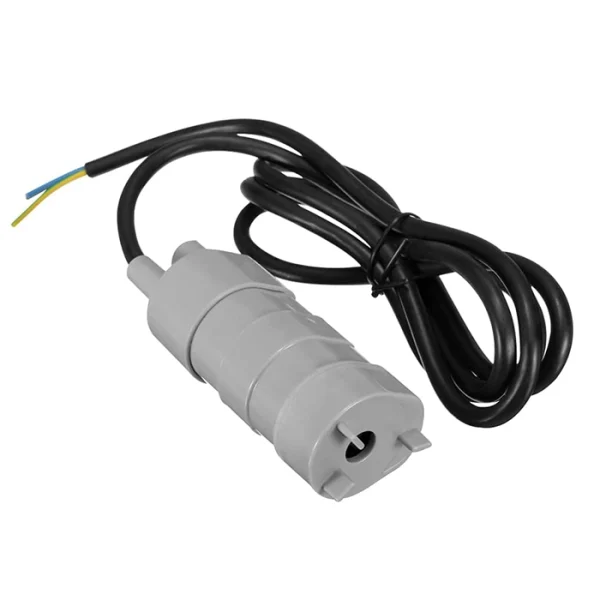
پمپ آب ( کف کش ) 12 ولت مدل XY-840
قیمت اصلی: 11,599,500 ریال بود.9,157,500 ریالقیمت فعلی: 9,157,500 ریال.
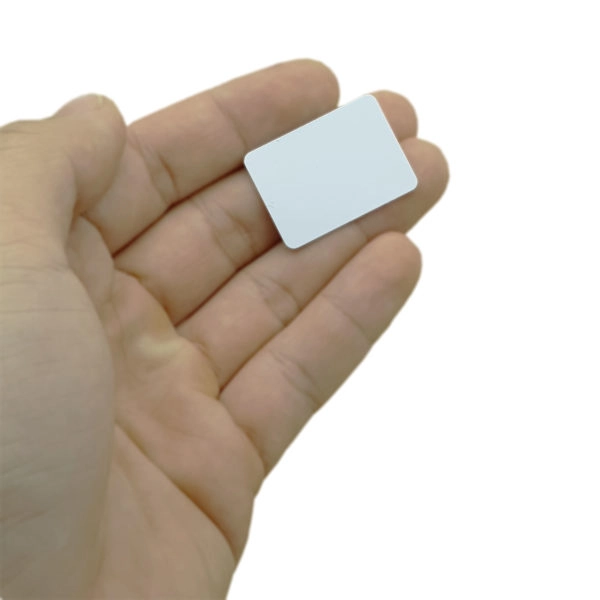
تگ کارتی NFC NTAG215 RFID Mini فرکانس 13.56 مینیاتوری ابعاد 22x30mm
قیمت اصلی: 520,000 ریال بود.420,000 ریالقیمت فعلی: 420,000 ریال.
تگ گرد جاسوئیچی شیشهای NFC NTAG213 RFID رنگ قرمز
قیمت اصلی: 850,000 ریال بود.750,000 ریالقیمت فعلی: 750,000 ریال.

رزبری پای Raspberry Pi 4 -8GB RAM (نسخه اورجینال بریتانیایی)
قیمت اصلی: 170,940,000 ریال بود.150,183,000 ریالقیمت فعلی: 150,183,000 ریال.

ماژول GSM چهار باند SIM800C 24MB
قیمت اصلی: 7,692,300 ریال بود.7,500,000 ریالقیمت فعلی: 7,500,000 ریال.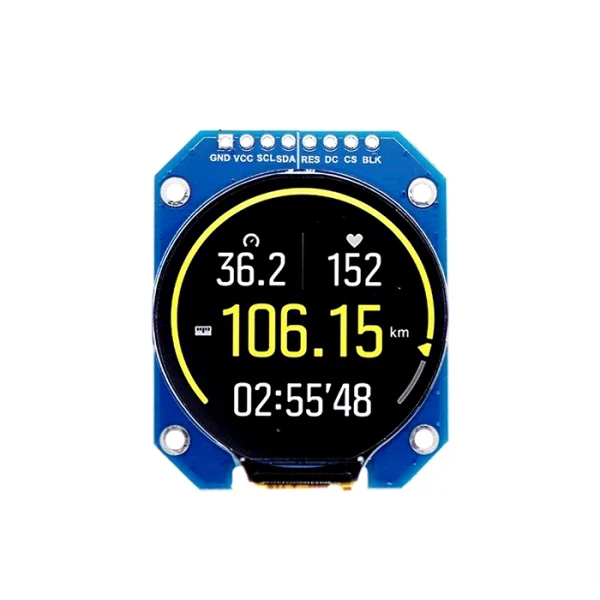
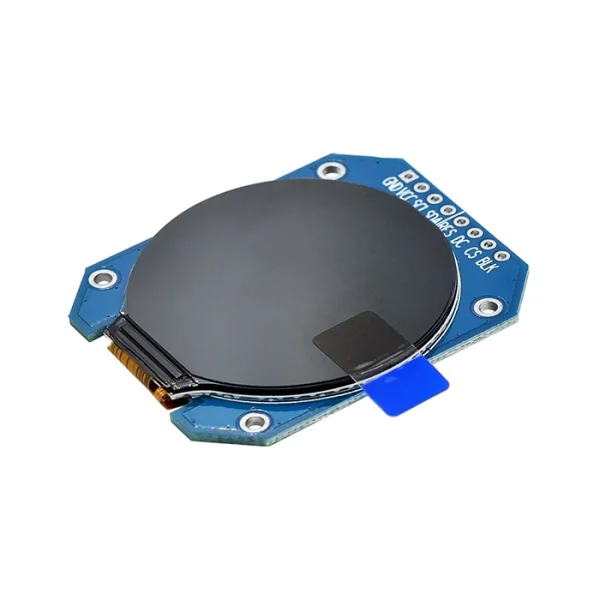
ماژول نمایشگر گرد TFT فول کالر 1.28 اینچ با درایور GC9A01
قیمت اصلی: 6,471,300 ریال بود.4,639,800 ریالقیمت فعلی: 4,639,800 ریال.

ماژول افزاینده 1000 کیلو ولت (جرقه زن) مدل XH901
قیمت اصلی: 3,406,590 ریال بود.2,893,770 ریالقیمت فعلی: 2,893,770 ریال.

آداپتور رزبری پای 5 با توان 27 وات Raspberry Pi USB-C Power Supply رنگ سفید (اورجینال)
قیمت اصلی: 31,086,660 ریال بود.26,251,500 ریالقیمت فعلی: 26,251,500 ریال.

ولت متر آمپر متر دیجیتالی AC پنلی 60 تا 500 ولت و 0 تا 99 آمپر
قیمت اصلی: 4,239,800 ریال بود.3,990,000 ریالقیمت فعلی: 3,990,000 ریال.

آنتن پسیو سرامیکی GNSS GPS Passive Antenna
قیمت اصلی: 976,800 ریال بود.793,650 ریالقیمت فعلی: 793,650 ریال.

برد آردوینو Arduino DUE R3
قیمت اصلی: 20,390,700 ریال بود.18,925,500 ریالقیمت فعلی: 18,925,500 ریال.

برد رزبری پای زیرو Raspberry Pi Zero W V1.1
قیمت اصلی: 37,887,630 ریال بود.35,409,000 ریالقیمت فعلی: 35,409,000 ریال.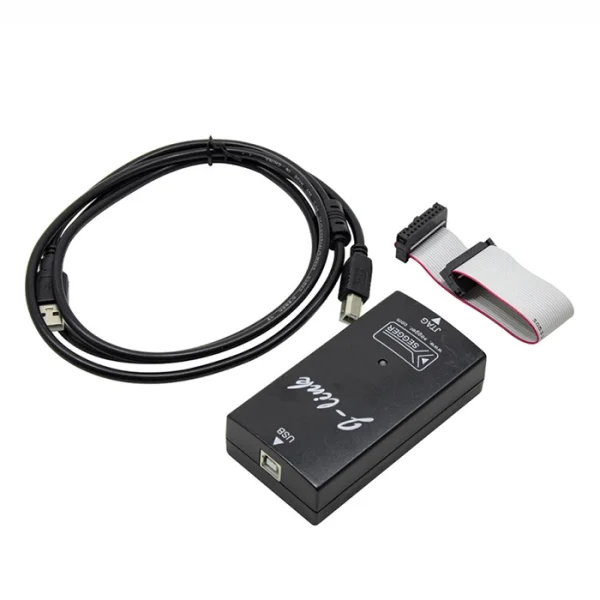
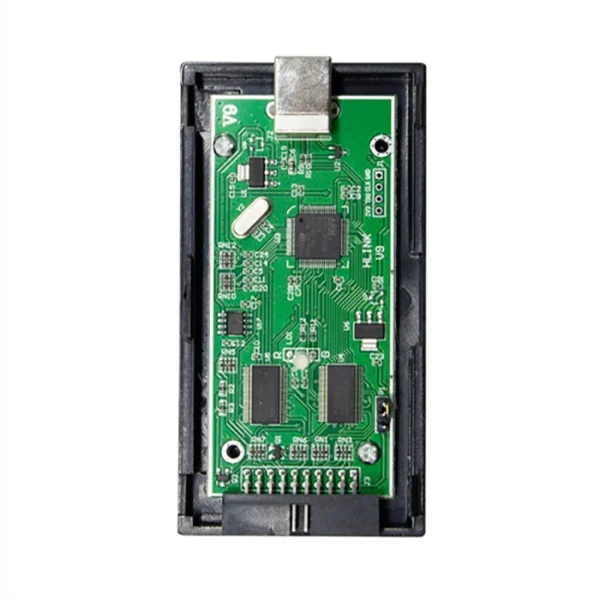
پروگرامر JLink ARM V9.0
قیمت اصلی: 36,385,800 ریال بود.31,006,074 ریالقیمت فعلی: 31,006,074 ریال.

رزبری پای Raspberry Pi 4 -1GB RAM (نسخه اورجینال بریتانیایی)
قیمت اصلی: 97,680,000 ریال بود.87,912,000 ریالقیمت فعلی: 87,912,000 ریال.

رزبری پای 5 رم 4 گیگ Raspberry Pi 5 4GB RAM (نسخه اورجینال بریتانیایی)
قیمت اصلی: 163,614,000 ریال بود.152,625,000 ریالقیمت فعلی: 152,625,000 ریال.

سنسور PH سنج مدل E201-C دارای کانکتور BNC
قیمت اصلی: 12,800,000 ریال بود.12,500,000 ریالقیمت فعلی: 12,500,000 ریال.

سیم جامپر فلت دو سر مادگی 40 رشته (طول 20 سانت)
قیمت اصلی: 1,263,361 ریال بود.897,170 ریالقیمت فعلی: 897,170 ریال.

سیم جامپر فلت نری به مادگی 40 رشته (طول 20 سانت)
قیمت اصلی: 1,242,305 ریال بود.897,170 ریالقیمت فعلی: 897,170 ریال.

شیر برقی سلونوئید آب 220 ولت 1/2 اینچ
قیمت اصلی: 6,068,370 ریال بود.5,650,000 ریالقیمت فعلی: 5,650,000 ریال.

کابل BNC به گیره سوسماری مناسب فانکشن ژنراتور
قیمت اصلی: 2,708,986 ریال بود.2,394,395 ریالقیمت فعلی: 2,394,395 ریال.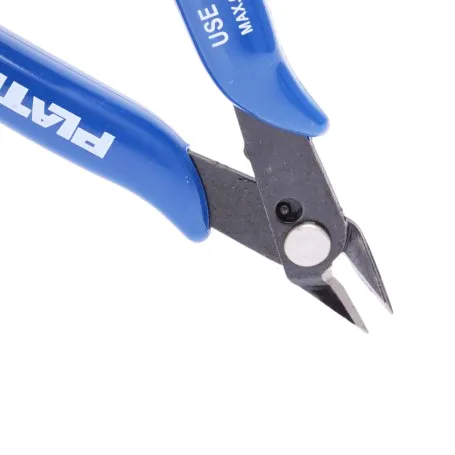
کف چین PLATO مدل 170
قیمت اصلی: 1,407,460 ریال بود.1,196,580 ریالقیمت فعلی: 1,196,580 ریال.

ماژول گیرنده رادیویی سوپر هترودین RXB22 فرکانس 315Mhz برند JMR
قیمت اصلی: 888,400 ریال بود.836,385 ریالقیمت فعلی: 836,385 ریال.

ماژول RXC6 فرکانس 433MHz همراه با آنتن
قیمت اصلی: 1,990,000 ریال بود.1,850,000 ریالقیمت فعلی: 1,850,000 ریال.

ماژول سون سگمنت چهار رقمی TM1637
قیمت اصلی: 726,495 ریال بود.714,285 ریالقیمت فعلی: 714,285 ریال.

ماژول کاهنده DC به DC جریان 3 آمپر LM2596
قیمت اصلی: 879,120 ریال بود.750,915 ریالقیمت فعلی: 750,915 ریال.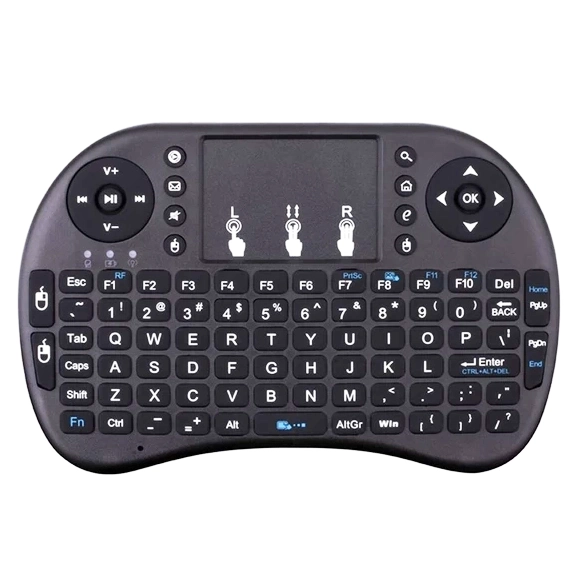

مینی کیبورد وایرلس دارای تاچ پد WiFi 2.4GHz
قیمت اصلی: 7,111,378 ریال بود.6,889,147 ریالقیمت فعلی: 6,889,147 ریال.
ولت متر آمپر متر دیجیتالی AC پنلی (تابلویی) 50 تا 500 ولت و 0 تا 100 آمپر مربعی آبی
قیمت اصلی: 2,990,000 ریال بود.2,680,000 ریالقیمت فعلی: 2,680,000 ریال.
ولت متر آمپر متر دیجیتالی AC پنلی (تابلویی) 50 تا 500 ولت و 0 تا 100 آمپر مربعی سبز
قیمت اصلی: 2,900,000 ریال بود.2,750,000 ریالقیمت فعلی: 2,750,000 ریال.محصولات مرتبط




رزبری پای Raspberry Pi 4 -8GB RAM (نسخه اورجینال بریتانیایی)
قیمت اصلی: 170,940,000 ریال بود.150,183,000 ریالقیمت فعلی: 150,183,000 ریال.


آداپتور رزبری پای 5 با توان 27 وات Raspberry Pi USB-C Power Supply رنگ سفید (اورجینال)
قیمت اصلی: 31,086,660 ریال بود.26,251,500 ریالقیمت فعلی: 26,251,500 ریال.


برد آردوینو Arduino DUE R3
قیمت اصلی: 20,390,700 ریال بود.18,925,500 ریالقیمت فعلی: 18,925,500 ریال.


برد رزبری پای زیرو Raspberry Pi Zero W V1.1
قیمت اصلی: 37,887,630 ریال بود.35,409,000 ریالقیمت فعلی: 35,409,000 ریال.


رزبری پای Raspberry Pi 4 -1GB RAM (نسخه اورجینال بریتانیایی)
قیمت اصلی: 97,680,000 ریال بود.87,912,000 ریالقیمت فعلی: 87,912,000 ریال.رزبری پای 5 رم 4 گیگ Raspberry Pi 5 4GB RAM (نسخه اورجینال بریتانیایی)
قیمت اصلی: 163,614,000 ریال بود.152,625,000 ریالقیمت فعلی: 152,625,000 ریال.


دیدگاهها
هیچ دیدگاهی برای این محصول نوشته نشده است.