

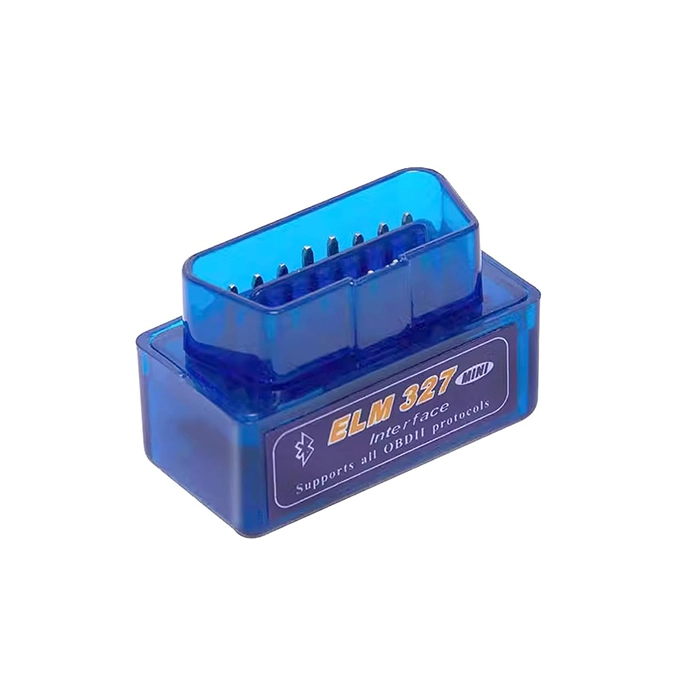
دیاگ بلوتوثی ELM327 ابزاری کوچک و کاربردی برای اسکن و عیبیابی ECU خودرو است. در خودروهای جدید، بخشهای مختلف موتور و سیستمهای الکترونیکی توسط واحدهایی به نام ECU کنترل میشوند. این یونیتها دادههای گوناگون را از طریق سنسورها دریافت کرده و با پردازش آنها، عملکرد تجهیزات مختلف را مدیریت میکنند تا موتور بسته به نیاز راننده، توان و دور موتور دقیق داشته باشد. علاوه بر این، ECU وظیفه ثبت و گزارش خطاها را نیز بر عهده دارد و همین موضوع دید مناسبی به تعمیرکاران برای تشخیص ایرادات خودرو میدهد. ارتباط با ECU بر اساس استانداردهای مختلفی انجام میشود که رایجترین آن کانکتور OBD II است. آداپتور ELM327 از تمامی پروتکلهای مبتنی بر OBD-II شامل CAN-BUS، K-Line و سایر استانداردها پشتیبانی میکند. با استفاده از این گجت میتوانید کدهای خطای ECU را مشاهده و در صورت نیاز پاک کنید، دادههای زنده موتور را بخوانید و بهطور کلی ارتباط مستقیمی با ECU خودرو داشته باشید. کار با این ابزار بسیار ساده است؛ کافی است ماژول ELM327 را به کانکتور OBD-II خودرو متصل کنید، سپس نرمافزار مخصوص آن را روی گوشی نصب کرده و از طریق بلوتوث به دستگاه وصل شوید. پس از برقراری اتصال، امکان مشاهده خطاها، بررسی پارامترهای موتور و پاک کردن کدهای خطا در اختیار شما خواهد بود.
نکته : لطفا قبل از خرید اقدام به تحقیق راجب به پشتیبانی از مدل خودرو خود نمایید ، ما کاربر این محصول نیستیم و به عنوان یک فروشنده دانشی راجب تنظیم موتور و اتصال و ارتباط با ECU نداریم . ویدیو ها و اموزش های زیادی در سطح اینترنت وجود دارد که میتوانید از آن ها کمک بگیرید .

OBD2 Bluetooth Car Diagnostic Tool ELM327.
This is the latest and smallest version, designed for the home DIY mechanic through to the advanced mechanic garage tool. It supports OBD-II protocols. (NOTE: Not for LEAF Spy app.)
Features:
Display current sensor data, including:
– Absolute Throttle Position
– Air Flow Rate
– Calculated Load Value
– Coolant Temperature
– Engine RPM
– Fuel Pressure, etc
– Fuel System Status
– Intake Air Temperature
– Intake Manifold Pressure
– Long-Term Fuel Trim
– Oxygen sensor voltages/associated short-term fuel trims
– Short-Term Fuel Trim
– Timing Advance
– Vehicle Speed
*Compatible Makes: Toyota, Mitsubishi, Ford, Kia, Nissan, Honda, Mazda, Suzuki, MG, Hyundai, and more.
*Compatible Phones: Android Smartphones.
*Compatible Software: Easy OBD-II, ScanMaster ELM, wOBD Crazy and More.
*Processor: ELM327 V1.5 Bluetooth: V2.1
*Read diagnostic trouble codes, both generic and manufacturer-specific, and display their meaning (over 3000 generic code definitions in the database).
*Supported Software Compatible for Windows, OSX, Palm, Pocket-PC, Linux, Android, DOS, and Windows Smartphone
*Supports all OBD-II Protocols (ISO15765-4 (CAN), ISO14230-4 (KWP2000), ISO9141-2, J1850 VPW, J1850 PWM)
*Works with Android Torque (Suggested)
*Works with OBD-II Compatible Vehicles
Vehicle Coverage:
Chrysler 1996 ~ Current Year (OBD-II)
Ford 1996 ~ Current Year (OBD-II)
GM 1996 ~ Current Year (OBD-II)
Honda 1996 ~ Current Year (OBD-II)
NISSAN 1996 ~ Current Year (OBD-II)
Toyota 1996 ~ Current Year (OBD-II)
All other Asian and European 1996 – Current Year (OBD-II )
Suitable for: Alfa Romeo, Audi, Bentley, BMW, Chevrolet, Chrysler, Citroen, Corvette, Daewoo, Daihatsu, Datsun, Dodge, Ferrari, Fiat, Ford, Honda, Hyundai, Isuzu, Jaguar, Jeep, Kia, Lada, Lamborghini, Lancia, Land Rover, Lexus, Lotus, Mazda, Mercedes-Benz, MG, Mini, Mitsubishi, Nissan, Peugeot, Porsche, Proton, Renault, Rover, Saab, Seat, Skoda, Smart, Ssangyong.
Compatibility: The ELM327 OBD2 V1.5 Bluetooth Diagnostic Tool is compatible with most cars manufactured after 1996 that are OBD2 compliant. This includes cars from brands like Toyota, Ford, Honda, BMW, and more. It works with any vehicle that uses the OBD2 protocol, connecting to your smartphone via Bluetooth for easy diagnostics. While unfamiliar with your vehicle, we offer a 14-day ‘trial and return for refund less shipping fee’ service to enable testing in your environment with your equipment.
Specifications:
Colour: Blue.
Sold as: Each.
Condition: New.
Packaging: Bulk.
Product Marking: OBDII.
Product Type: Bluetooth OBD2 Scanner.
Product Code: ELM327-OBD2-BT-BLUE-NZ.
Connector: Male 16-pin (2×8) D-shaped Type-A 12V OBD-II diagnostic connector.
Product Category: Vehicle Parts & Accessories > Tools & Equipment > Diagnostic Tools.
Package includes: 1x ELM327 OBD2 V1.5 Bluetooth Diagnostic Tool.
*Note: This does not include an OBD2 app. Download a free app recommended for your phone system before using our OBD2 adapter. Paid apps offer more information than free ones, so choose the one that best meets your needs. Not all vehicles support the same OBD2 parameters. The number of parameters that your vehicle supports depends on the vehicle manufacturer’s implementation. The image is for illustrative purposes only. Due to camera, lighting, monitor and manufacturing variations, colours may vary.
People also search for: OBD2 scanner NZ, ELM327 app for iPhone NZ, ELM327 app for Android NZ, best OBD2 scanner NZ, OBD2 scanner meaning NZ, car diagnostic tool phone NZ, check engine light scanner NZ, OBD2 scanner functions NZ, and ELM327 Bluetooth adapter NZ.
Warranty & Returns:
14-day ‘change of mind’ return in unused condition for a refund less shipping fees.
1-year return to base refund or replace guarantee.
We welcome & answer all questions.
Installation Hints, Tips and Troubleshooting:
Installation Hints, Tips & Troubleshooting for Your NZ OBD2 Scanner (ELM327 Bluetooth)
Congratulations on your new NZ OBD2 scanner! This guide will walk you through a smooth installation process, offer helpful tips for optimal use, and troubleshoot any common issues you might encounter.
Installation:
- Locate your vehicle’s OBD2 port: This is typically a 16-pin port located under the dashboard (often near the steering wheel). Consult your car’s manual if needed.
- Plug in the scanner: Gently insert the Bluetooth OBD2 scanner into the port. It should fit snugly without excessive force.
- Power Up: The scanner gets power directly from the OBD2 port when your car is turned on (accessory mode or engine running).
Tips for Optimal Use:
- Download a compatible OBD2 app: There are many free and paid OBD2 apps available for smartphones and tablets. Popular options in New Zealand include Torque Lite and Kiwi OBD. Ensure the app is compatible with ELM327 Bluetooth scanners.
- Pair your scanner with your device: Open the downloaded app and follow the on-screen instructions for Bluetooth pairing. The scanner name might be generic like “OBDII” or “ELM327.”
- Vehicle selection (if applicable): Some apps require you to select your car’s make and model for optimal functionality.
Troubleshooting:
-
Scanner not detected by the app?
- Double-check that Bluetooth is enabled on your device.
- Ensure the scanner is properly plugged into the OBD2 port. Try unplugging and replugging it firmly.
- Restart your smartphone/tablet and the scanner (turn the car off and on).
- Verify you’ve selected the correct Bluetooth device name within the app.
-
App not connecting to the car’s ECU (Electronic Control Unit)?
- Make sure your car is turned on (accessory mode or engine running).
- Some vehicles may require a short driving cycle for the ECU to activate fully. Try driving for a few minutes and reconnect.
- Not all functionalities may be available for all car models. Consult your car’s manual or the app’s documentation for compatibility details.
-
Error codes displayed on the app? Research the specific trouble code online or consult a repair manual for your car model. Understanding the code’s meaning can help diagnose potential issues.
Additional Tips:
- Keep your OBD2 scanner plugged in while using the app for diagnostics.
- Store the scanner in a cool, dry place when not in use.
- If you encounter issues beyond these troubleshooting steps, consult the scanner’s manual or reach out to the app developer’s support for further assistance.
By following these simple steps and tips, you’ll be well on your way to utilizing your NZ OBD2 scanner effectively! This tool empowers you to gain valuable insights into your car’s health, potentially saving you time and money on repairs. Remember, for complex car issues, it’s always recommended to consult a qualified mechanic.
محصولات ویژه
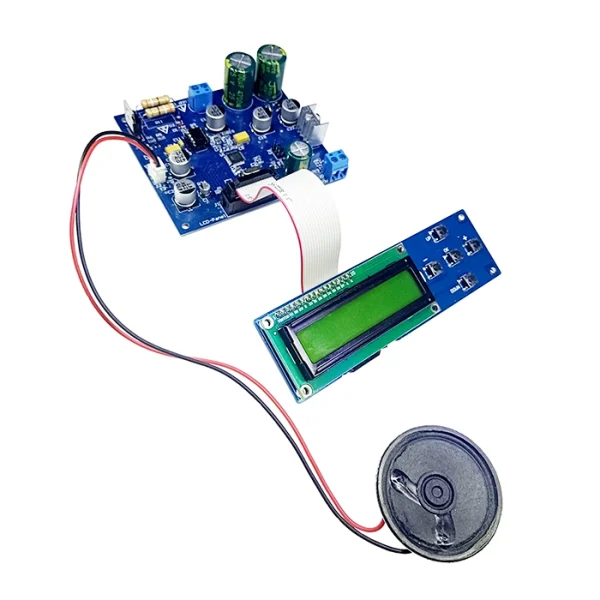
کیت فلزیاب حرفهای FPI برد SMD نسخه نامحدود (فلزجو FELEZJOO FULL)
قیمت اصلی 102,532,500 ریال بود.97,125,000 ریالقیمت فعلی 97,125,000 ریال است.

سنسور تعیین سطح مایعات Water Level Sensor
قیمت اصلی 3,990,000 ریال بود.3,496,500 ریالقیمت فعلی 3,496,500 ریال است.
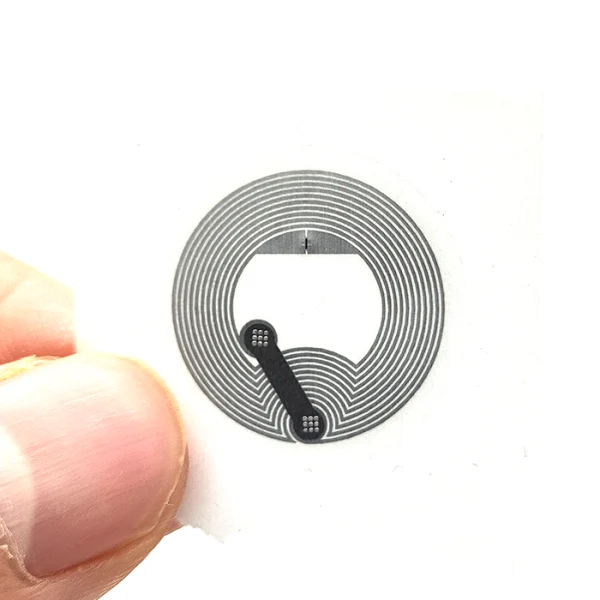
تگ NFC پشت برچسب دار (لیبل) گرد سکهای فرکانس 13.56 قطر 25mm
قیمت اصلی 215,250 ریال بود.183,750 ریالقیمت فعلی 183,750 ریال است.

سنسور دمای NTC ضد آب 10K اهم با پوشش استیل ضد زنگ
قیمت اصلی 937,125 ریال بود.848,925 ریالقیمت فعلی 848,925 ریال است.

ماژول گیرنده رادیویی سوپر هترودین RXB22 فرکانس 433Mhz برند JMR
قیمت اصلی 1,995,000 ریال بود.1,732,500 ریالقیمت فعلی 1,732,500 ریال است.

ماژول کاهنده روبردی 220V به 5V جریان 600mA مدل HLK-PM01 برند Hi-Link
قیمت اصلی 5,859,000 ریال بود.4,987,500 ریالقیمت فعلی 4,987,500 ریال است.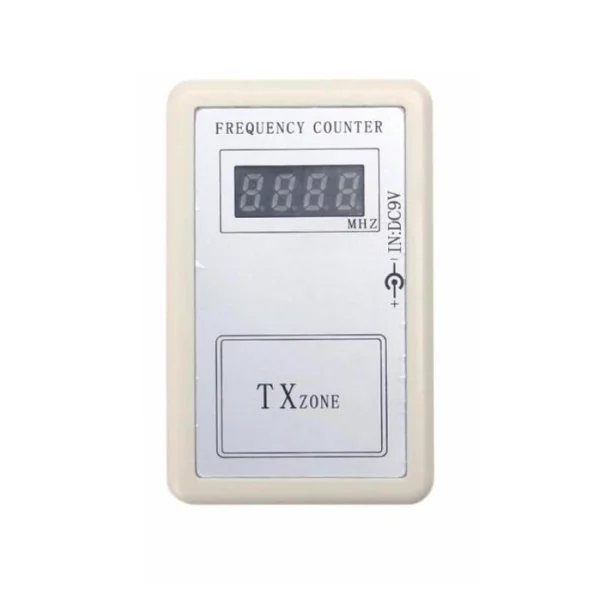

فرکانس متر 250MHz تا 450MHz مناسب ریموت کنترل ها
قیمت اصلی 30,450,000 ریال بود.19,425,000 ریالقیمت فعلی 19,425,000 ریال است.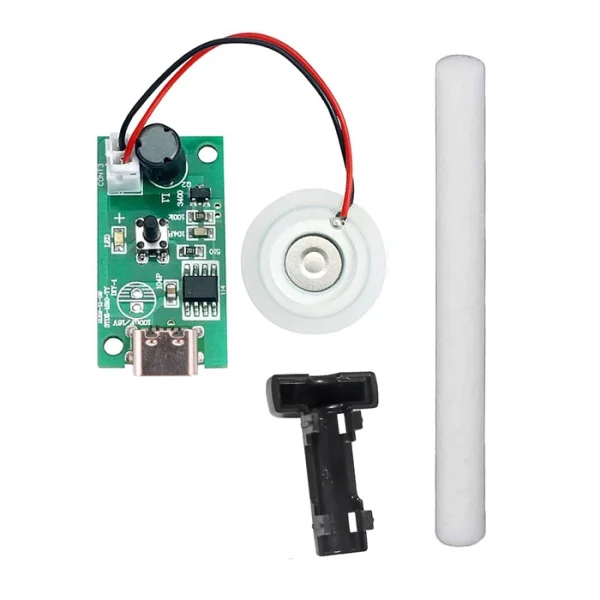
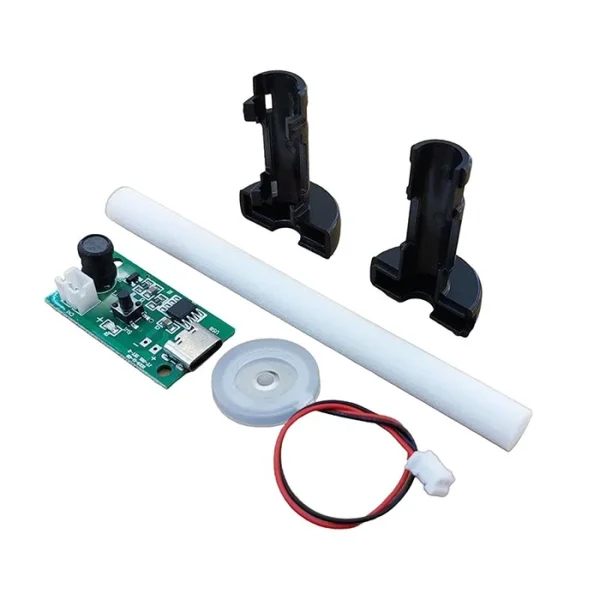
ماژول تولید بخار سرد التراسونیک 5 ولت تک پیزو USB Type C ( اتومیزر )
قیمت اصلی 2,894,063 ریال بود.2,546,775 ریالقیمت فعلی 2,546,775 ریال است.

فازمتر القایی (فاز یاب غیر تماسی) سینومتر مدل Sinometer AC-100
قیمت اصلی 13,230,000 ریال بود.9,975,000 ریالقیمت فعلی 9,975,000 ریال است.
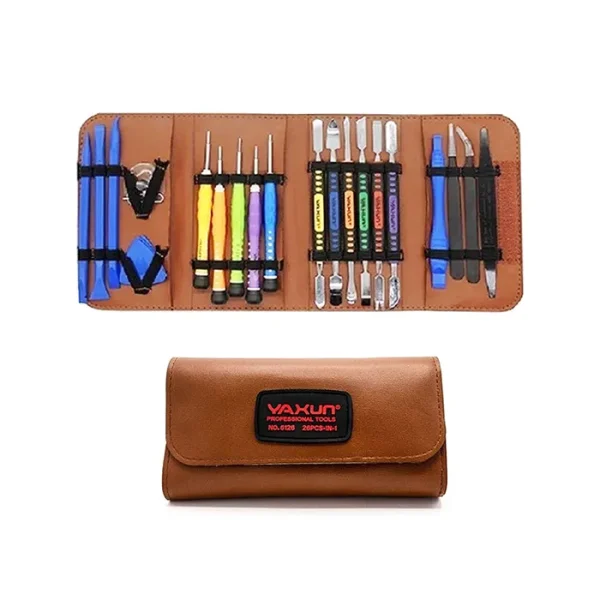
کیف ست پیچ گوشتی و اسپاتول یاکسون 24 ابزار YAXUN YX-6126
قیمت اصلی 36,750,000 ریال بود.30,975,000 ریالقیمت فعلی 30,975,000 ریال است.
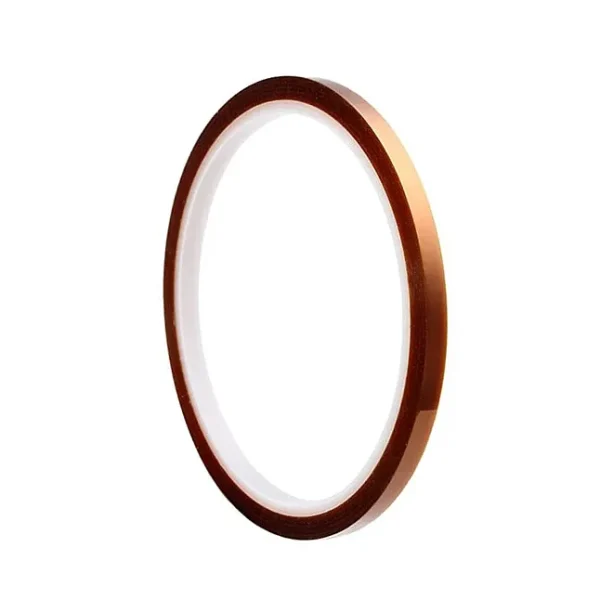
نوار چسب نسوز – چسب کپتون Kapton عرض 0.5 سانتی متر
قیمت اصلی 2,835,000 ریال بود.2,467,500 ریالقیمت فعلی 2,467,500 ریال است.

ولت متر آمپر متر دیجیتالی AC پنلی (تابلویی) 50 تا 500 ولت و 0 تا 100 آمپر مربعی سفید
قیمت اصلی 7,056,000 ریال بود.6,339,375 ریالقیمت فعلی 6,339,375 ریال است.

تگ NFC پشت برچسب دار (لیبل) گرد سکهای فرکانس 13.56 نسخه بزرگ قطر 38mm
قیمت اصلی 351,750 ریال بود.309,750 ریالقیمت فعلی 309,750 ریال است.
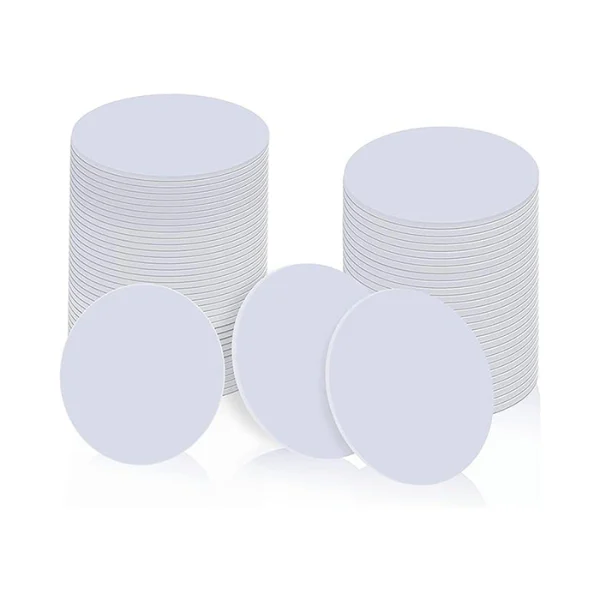
تگ گرد سکهای NFC NTAG215 RFID فرکانس 13.56 قطر 25mm سفید
قیمت اصلی 425,250 ریال بود.372,750 ریالقیمت فعلی 372,750 ریال است.

سنسور PIR مدل RDA-226 برند Winsen
قیمت اصلی 997,500 ریال بود.924,000 ریالقیمت فعلی 924,000 ریال است.

سیم لخت کن کلاغی 7 اینج TNI-U TU-1A
قیمت اصلی 16,800,000 ریال بود.12,075,000 ریالقیمت فعلی 12,075,000 ریال است.

ماژول GSM چهار باند SIM800C 24MB
قیمت اصلی 21,000,000 ریال بود.17,325,000 ریالقیمت فعلی 17,325,000 ریال است.

ماژول افزاینده – کاهنده DC به DC مدل HW-140 دارای نمایشگر LCD
قیمت اصلی 16,537,500 ریال بود.15,049,125 ریالقیمت فعلی 15,049,125 ریال است.

نمایشگر سطح و ولتاژ 12 تا 60 ولت (ولت متر مناسب باتری)
قیمت اصلی 2,756,250 ریال بود.2,590,875 ریالقیمت فعلی 2,590,875 ریال است.
ولت متر آمپر متر دیجیتالی AC پنلی (تابلویی) 50 تا 500 ولت و 0 تا 100 آمپر مربعی قرمز
قیمت اصلی 7,056,000 ریال بود.6,339,375 ریالقیمت فعلی 6,339,375 ریال است.

ماژول افزاینده 1000 کیلو ولت (جرقه زن) مدل XH901
قیمت اصلی 6,930,000 ریال بود.6,037,500 ریالقیمت فعلی 6,037,500 ریال است.

آداپتور رزبری پای 5 با توان 27 وات Raspberry Pi USB-C Power Supply رنگ سفید (اورجینال)
قیمت اصلی 72,765,000 ریال بود.53,025,000 ریالقیمت فعلی 53,025,000 ریال است.

ولت متر آمپر متر دیجیتالی AC پنلی 60 تا 500 ولت و 0 تا 99 آمپر
قیمت اصلی 9,922,500 ریال بود.7,612,500 ریالقیمت فعلی 7,612,500 ریال است.

پمپ آب براشلس 5 تا 12 ولت مدل JT-180
قیمت اصلی 18,165,000 ریال بود.16,275,000 ریالقیمت فعلی 16,275,000 ریال است.
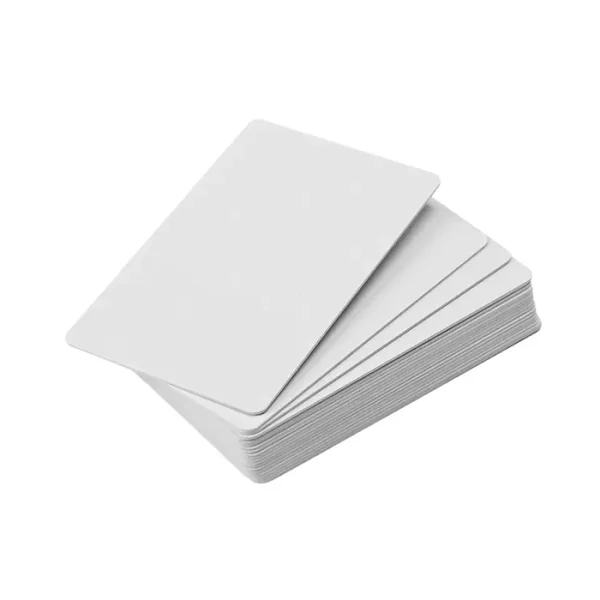
تگ کارتی RFID مایفر 1K فرکانس 13.56 مگاهرتز Mifare Classic 1K RFID Card 13.56MHz
قیمت اصلی 472,500 ریال بود.386,400 ریالقیمت فعلی 386,400 ریال است.

درایور موتور 43 آمپری مدل BTS7960 IBT-2 43A
قیمت اصلی 12,600,000 ریال بود.12,075,000 ریالقیمت فعلی 12,075,000 ریال است.

سنسور PH سنج مدل E201-C دارای کانکتور BNC
قیمت اصلی 26,250,000 ریال بود.24,150,000 ریالقیمت فعلی 24,150,000 ریال است.

شیر برقی سلونوئید آب 220 ولت 1/2 اینچ
قیمت اصلی 14,700,000 ریال بود.12,075,000 ریالقیمت فعلی 12,075,000 ریال است.

کابل کواکسیال RF یک سر آزاد دارای کانکتور مادگی UFL با طول 10cm
قیمت اصلی 304,500 ریال بود.262,500 ریالقیمت فعلی 262,500 ریال است.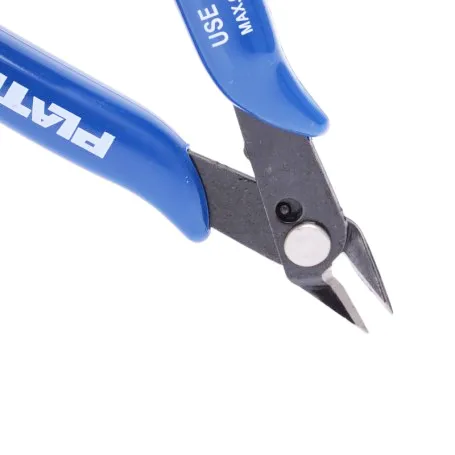
کف چین PLATO مدل 170
قیمت اصلی 4,410,000 ریال بود.3,622,500 ریالقیمت فعلی 3,622,500 ریال است.

ماژول RXC6 فرکانس 433MHz همراه با آنتن
قیمت اصلی 3,528,000 ریال بود.3,045,000 ریالقیمت فعلی 3,045,000 ریال است.

ماژول شارژر باتری لیتیومی تکسل TP4056 با مدار محافظ و کانکتور micro USB
قیمت اصلی 472,500 ریال بود.378,000 ریالقیمت فعلی 378,000 ریال است.

ماژول کاهنده DC به DC جریان 3 آمپر LM2596
قیمت اصلی 1,984,500 ریال بود.1,642,725 ریالقیمت فعلی 1,642,725 ریال است.

ماژول مبدل کاهنده XH-M401 DC to DC 8A (XL4016E1)
قیمت اصلی 7,386,750 ریال بود.5,644,800 ریالقیمت فعلی 5,644,800 ریال است.

ماژول مخابراتی فرستنده-گیرنده LoRa RA02 تراشه SX1278
قیمت اصلی 14,175,000 ریال بود.11,760,000 ریالقیمت فعلی 11,760,000 ریال است.

ماژول ولت متر پنلی دیجیتال 5 تا 30 ولت DC قرمز
قیمت اصلی 2,425,500 ریال بود.2,149,875 ریالقیمت فعلی 2,149,875 ریال است.محصولات مرتبط





پمپ آب براشلس 5 تا 12 ولت مدل JT-180
قیمت اصلی 18,165,000 ریال بود.16,275,000 ریالقیمت فعلی 16,275,000 ریال است.


تگ کارتی RFID مایفر 1K فرکانس 13.56 مگاهرتز Mifare Classic 1K RFID Card 13.56MHz
قیمت اصلی 472,500 ریال بود.386,400 ریالقیمت فعلی 386,400 ریال است.


کف چین PLATO مدل 170
قیمت اصلی 4,410,000 ریال بود.3,622,500 ریالقیمت فعلی 3,622,500 ریال است.




نقد و بررسیها
هنوز بررسیای ثبت نشده است.